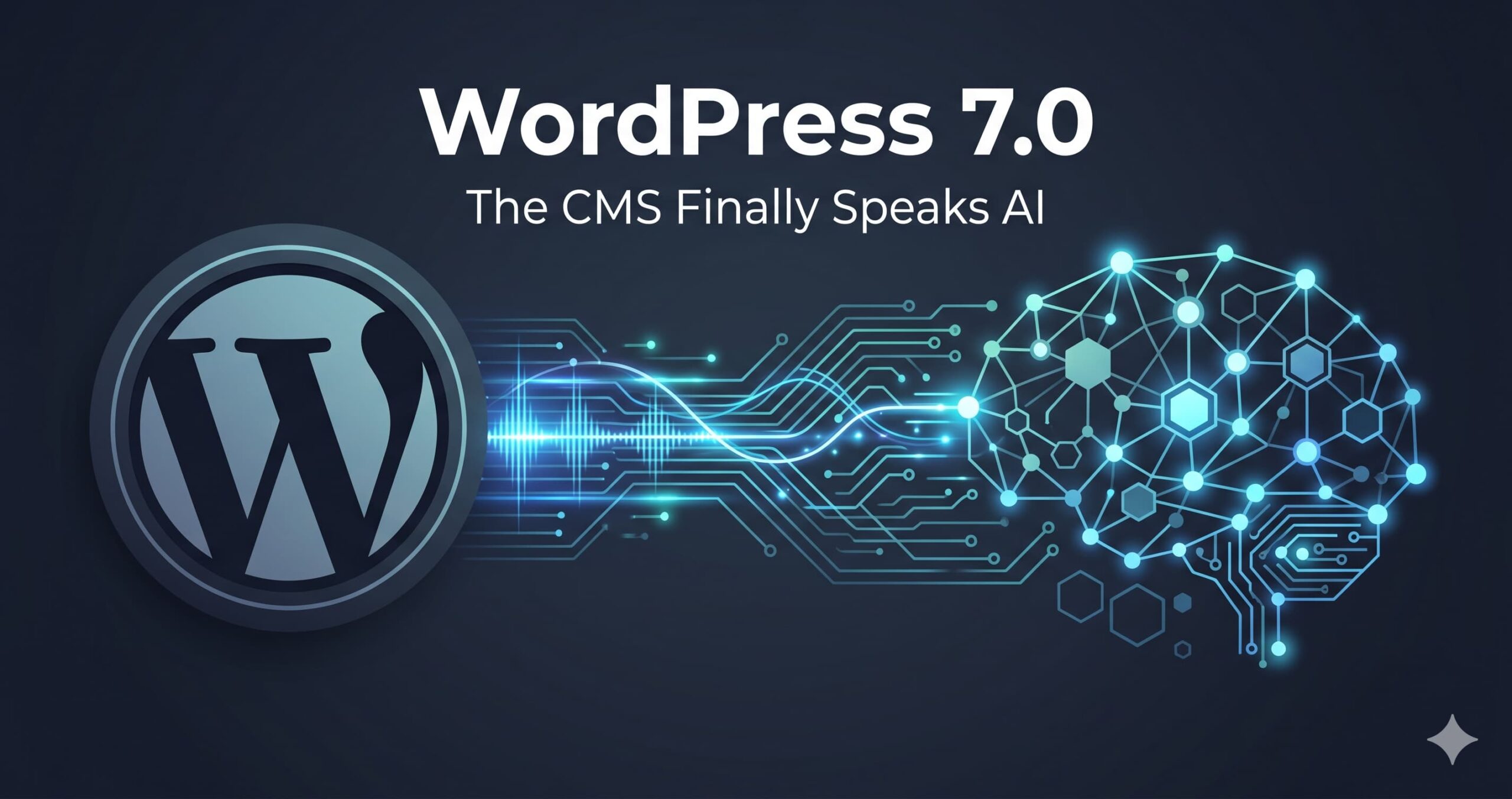
WordPress 7.0 was scheduled to ship on 09.04.2026, coinciding with WordCamp Asia. Reports indicate the release has been pushed back, with some sources pointing to a revised window around mid-to-late May 2026. Whether the delay is weeks or days, it is not the story. The story is that the world’s most popular CMS is about to become natively AI-connected, and for anyone who has spent years building on WordPress, this changes the daily reality of how we work.

I have built dozens of websites over the past 20 years, and the vast majority of them run on WordPress or WooCommerce. It is my default. Every project that needs a content management system gets a WordPress installation, no exceptions. I know its strengths; I also know its friction points intimately. The plugin dependencies, the theme conflicts, the configuration rabbit holes where something breaks and you spend an hour figuring out which extension is clashing with which update. WordPress is powerful, but it has never been simple to manage at scale.

AI Website Builders Miss the Point

There is a wave of content creators right now showing how you can spin up an entire website with a few prompts in tools like Cursor, Bolt, or similar AI-powered builders. It looks impressive in a demo. In practice, what you get is a static output with no content management layer underneath it. You cannot hand that site to a client, a team, or even your future self and expect anyone to maintain it without touching code. WordPress solves that problem. It always has. But WordPress has had its own gap; there has been no clean way to connect your AI workflow to your CMS.

I use AI throughout my content production pipeline. Research, drafting, editorial review, fact-checking. The work gets done faster and the output is better for it. AI is not here to replace thinking; it is here to handle the tasks that consume hours without requiring creative judgment. Writing an article can take anywhere from two to five hours, sometimes longer. Then you spend additional time formatting the content in WordPress, setting up the page elements, adding images, writing alt text, configuring SEO metadata. Those are exactly the tasks that AI handles faster and more consistently than a human ever will.

But here is the gap I have lived with: once the article is finished and reviewed, I cannot simply tell my AI assistant to go publish it in WordPress. There are no connectors. No shared protocol. I end up copying and pasting between tools like it is 2015. WordPress 7.0 is designed to close that gap.

What WordPress 7.0 Actually Brings

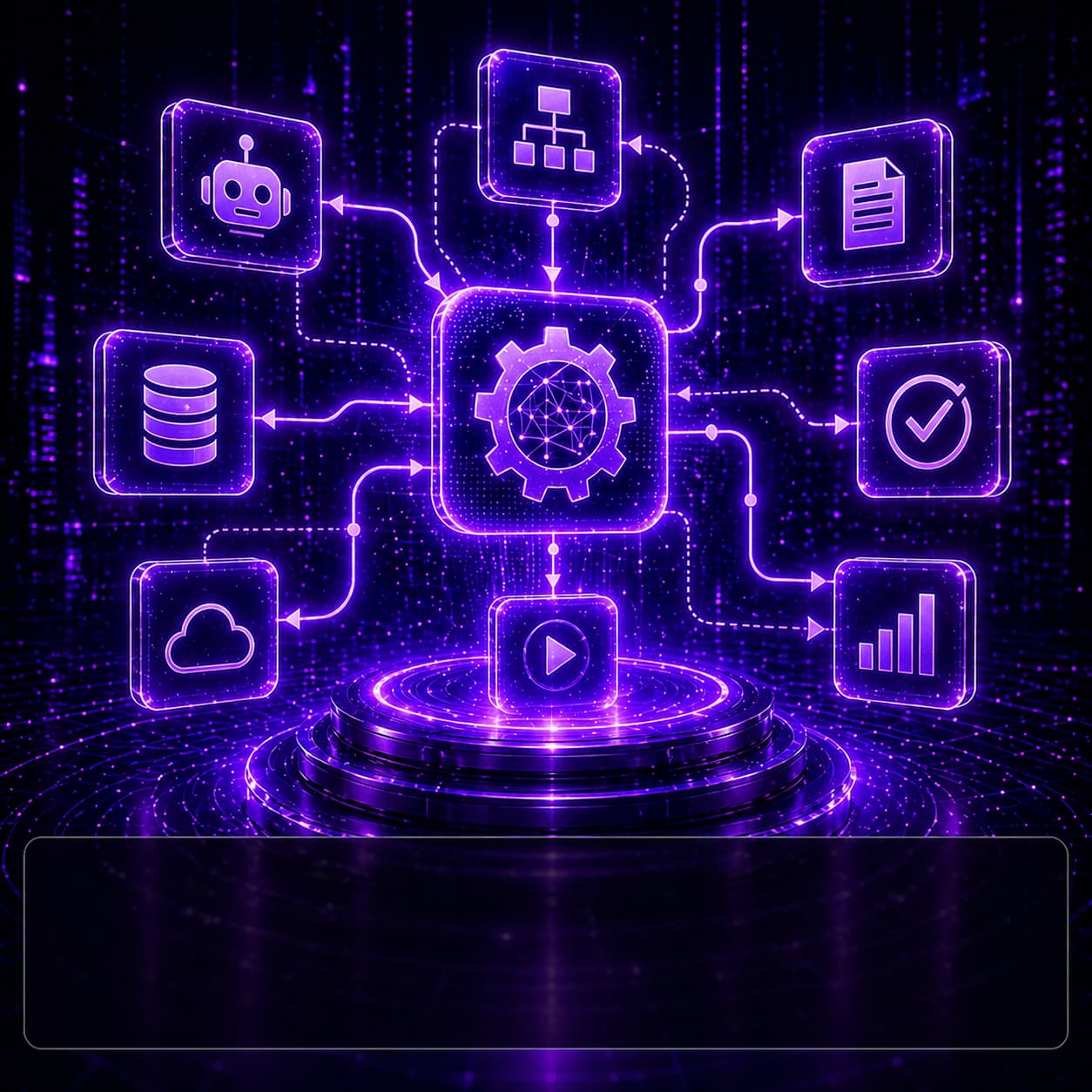
The AI infrastructure in WordPress now spans two releases. The Abilities API, introduced in WordPress 6.9, provides a standardised way for plugins, themes, and core to declare what they can do. WordPress 7.0 builds on that foundation with three additional components:

  • The AI Client, a shared interface for communicating with LLM providers that removes the need for every plugin to build its own integration. This is the layer that actually routes requests from WordPress to whichever model you connect.
  • The Connectors Screen, a centralised dashboard in wp-admin where you configure connections to AI providers such as OpenAI, Anthropic, or self-hosted models. Once configured, those connections are available across all plugins and features that use the AI Client.
  • The MCP Adapter, a separately distributed package that bridges the Abilities API to the Model Context Protocol. This is the component that lets AI agents like Claude discover your site’s functionality and execute actions through natural language. It is not bundled in WordPress core but becomes significantly more useful with the 7.0 infrastructure in place.

In practical terms, this means an AI assistant could manage content, generate alt text for every image on upload, run SEO analysis, diagnose performance issues, or publish a reviewed article; all through a standardised, secure connection. WordPress is not building its own AI. It is building the connectors that let you bring whichever AI you already use and plug it directly into your CMS.

Why MCP Is the Piece That Matters Most

The Model Context Protocol is an open standard that gives AI agents a consistent way to interact with external tools. WordPress adopting MCP means that the same AI agent you use for research and writing can, in principle, also handle the publishing step. The WordPress MCP Adapter exposes site abilities as tools that any MCP-compatible client can discover and call. WordPress.com already offers MCP access on its paid plans. For self-hosted WordPress, the official mcp-adapter package is available on GitHub under the WordPress organisation and works with MCP-compatible clients including Claude.

This is not a theoretical future. The Abilities API already exists in 6.9, the MCP Adapter has been available separately, and WordPress 7.0 brings the AI Client and Connectors that tie it all together into a coherent stack.

Who Should Care

If you run a content-heavy WordPress site and you are already using AI in your workflow, this release is directly relevant. The gap between “article is ready” and “article is live in WordPress” is about to get much smaller. If you manage multiple WordPress sites for clients, the ability to let an AI agent handle routine maintenance, content updates, and diagnostics through MCP could save significant time.

The honest answer is that if the release has indeed slipped, that is probably a good thing. AI integration at the platform level is complex, and shipping it half-baked would do more harm than good. When 7.0 does land, it will be the most significant WordPress release in years; not because it adds another block or another theme, but because it fundamentally changes how WordPress connects to the tools we are already using every day.